Manage equipment issues via QR code
An employee scans the code, describes the problem — you react.No phone calls, no spreadsheets.
All issues and statistics in one place
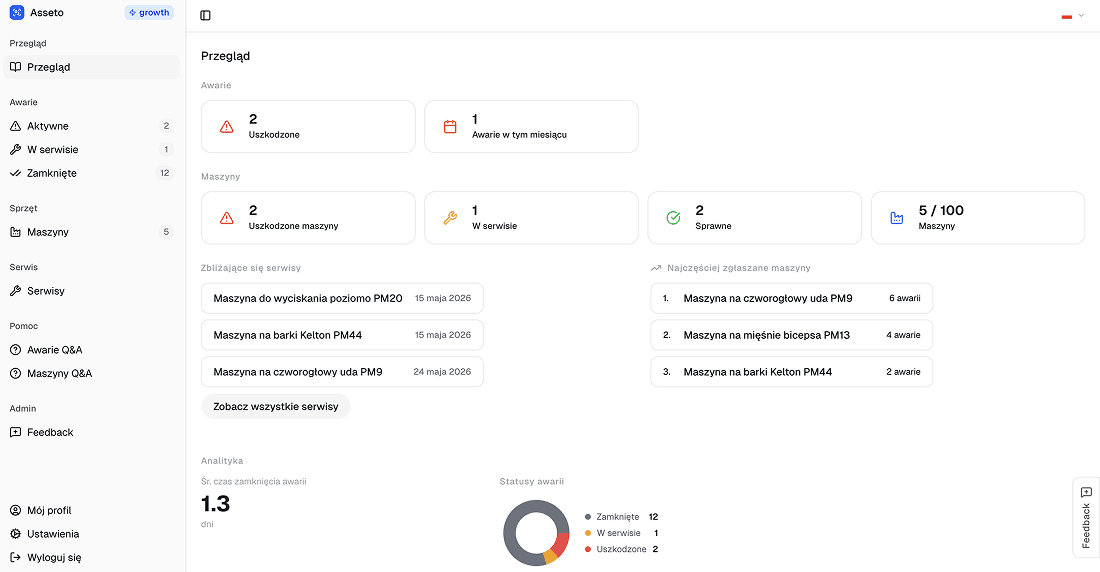
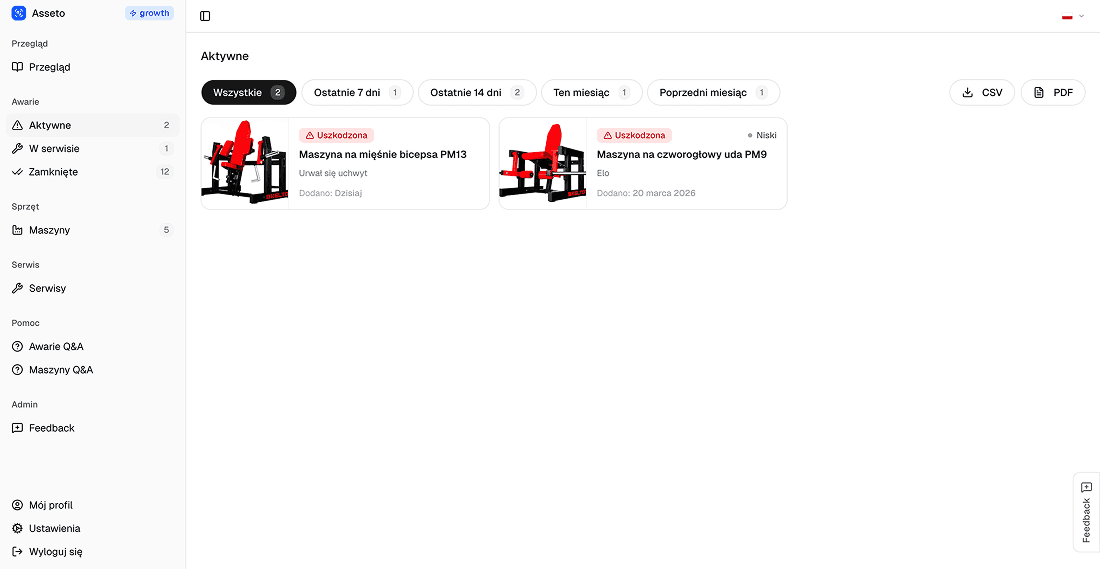
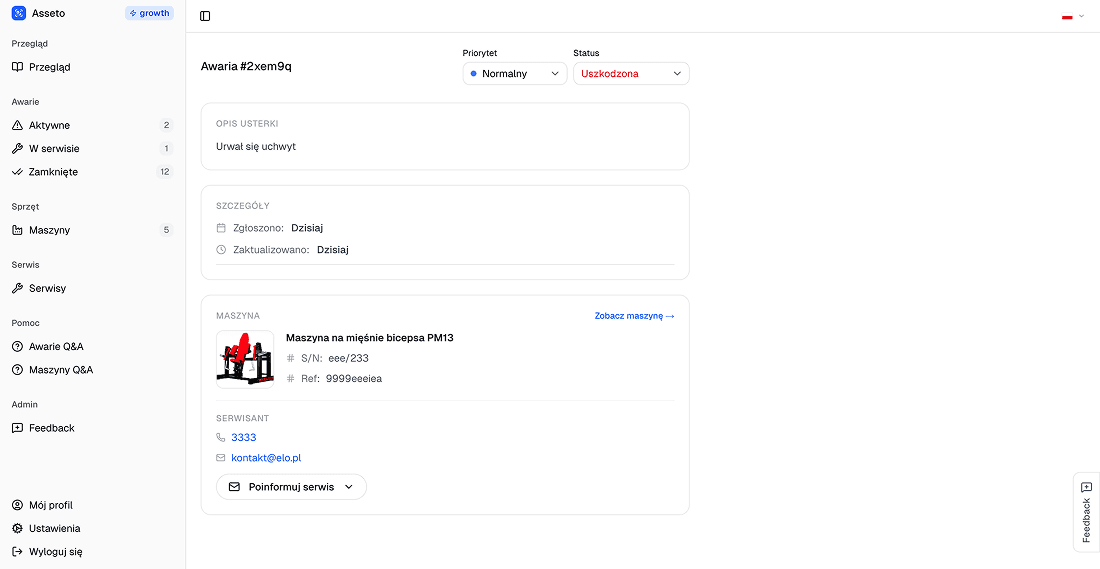
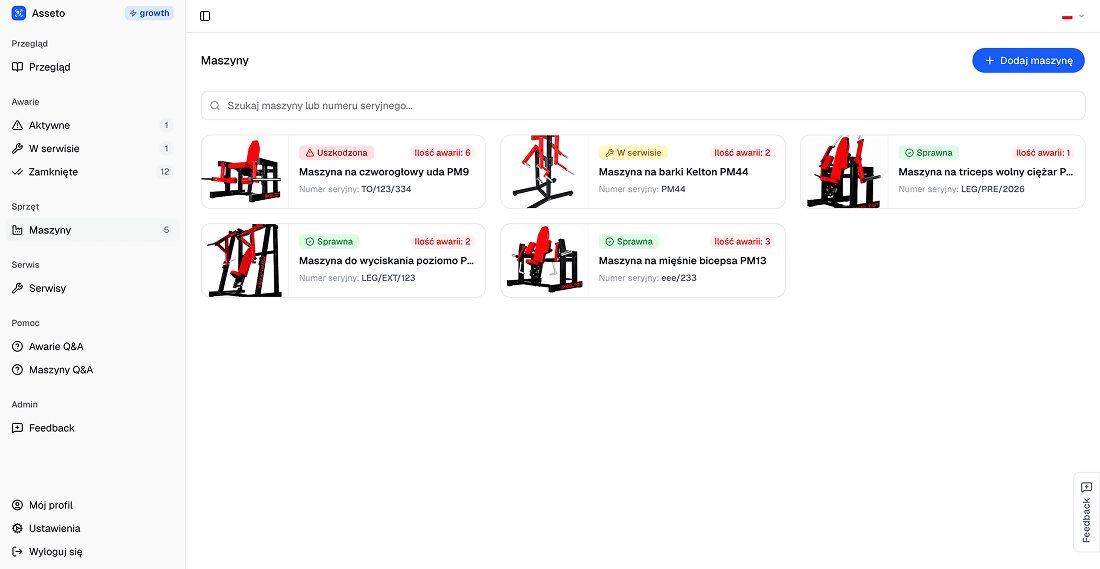
Fault management has never been simpler
Asseto connects employees with technical support in seconds — no app, no registration.
Label your equipment
Generate a QR code for every device and print it in any size. A sticker on the machine is all your team needs.
Instant reports
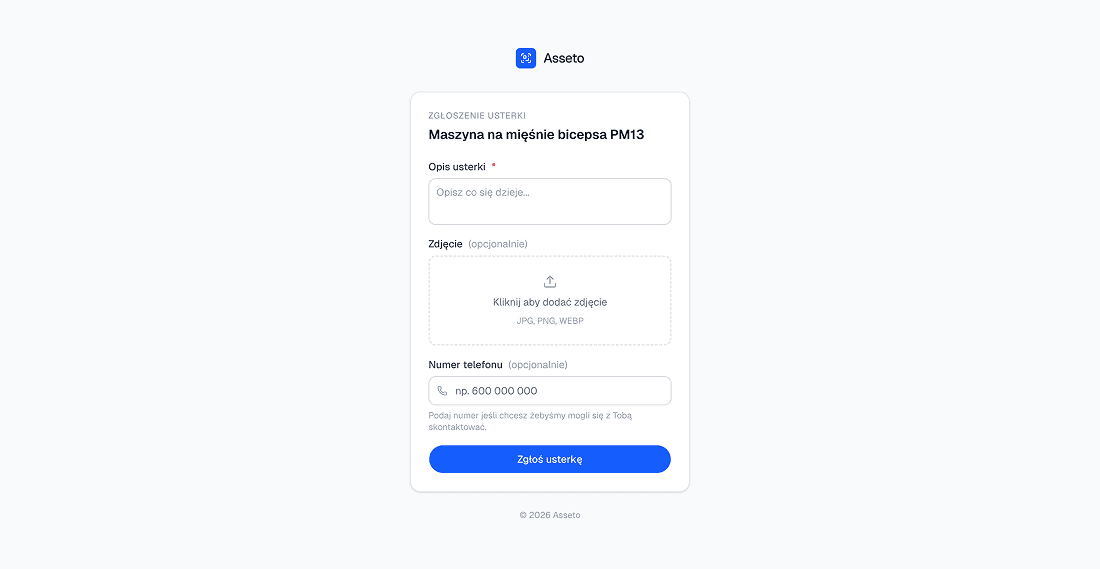
An employee scans the QR code, describes the problem, and submits a report in seconds. No phone calls, no Excel spreadsheets.
Full control in the panel
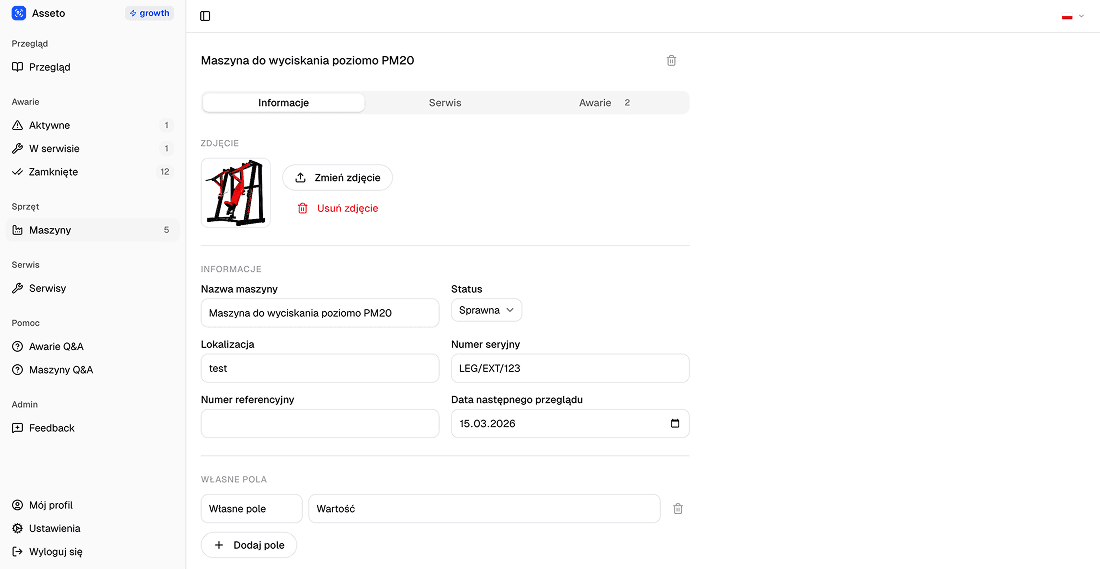
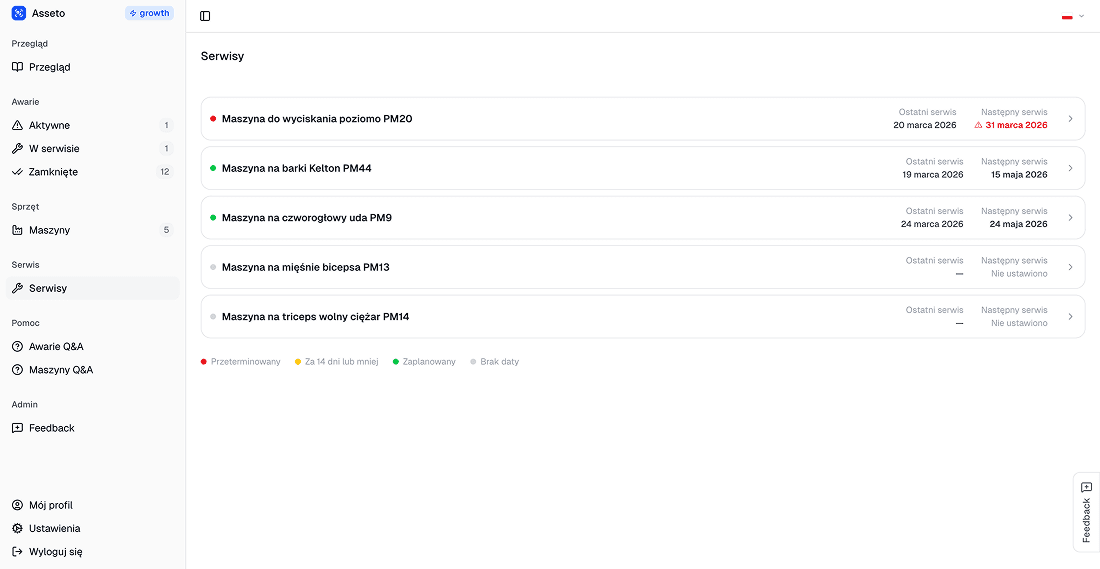
All reports, fault history, and machine status in one place. React faster and plan inspections in advance.
Report in 3 steps
Report issues without an account, without installing anything.
Scan the QR code
Every device has a QR code sticker. Just use your phone camera.
Describe the problem
A short description is enough. The form is simple and works on any phone.
Done
The report reaches the panel instantly. The technical team sees the problem and can act.
Asseto
Start managing issues today
First 10 devices for free. No credit card. Setup takes 5 minutes.